

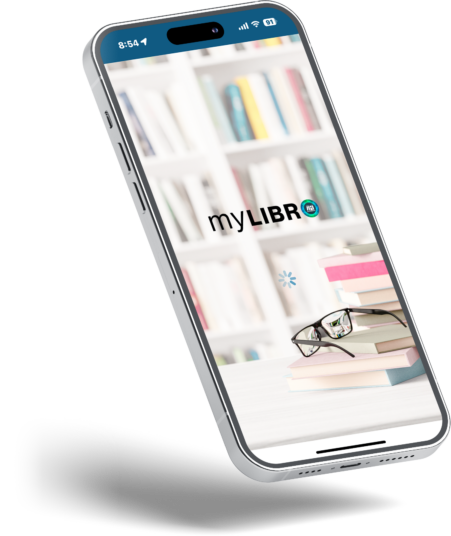
MEET
YOUR
LIBRARY
ON THE
GO
With myLIBRO, you can search the catalog, place holds, reserve & renew, check fines, download & play audiobooks on Overdrive.
Your phone becomes a free virtual library with myLIBRO. Available 24/7, wherever you are!



Search
Place Holds
Listen
Check Events
Renew
View

Frequently Asked Questions
How do I get the app?
Access our app no matter where you are! Click the download buttons at the top of this page if you’re on a mobile device, leading you directly to the download page. Easy, seamless, and convenient.
Not on your mobile device? We’ve got you covered. Navigate to your app store on any device and key in “myLIBRO” in the search bar. Install it directly to your device for an intuitive and streamlined experience with us.
Incorrect Password?
If you see an error indicating that your password is incorrect, a reset may be in order.
If you have a valid email associated with your account, resetting your password is easy. Navigate to our catalog and seek out the “Forgot Password” link at the foot of the login page. With just a click, we will forward you an email containing instructions to reset your password.
For more personalized assistance, consider visiting our library. Our dedicated team at the circulation desk is always ready to assist you with resetting your password.
Can I add more than one library card?
Absolutely! With myLIBRO, managing multiple library cards within the app is a breeze. Simply swipe left on your current library card to add another to your account. This feature makes it incredibly straightforward to keep tabs on your family’s library borrowings from one central location.
Please note: To enable this feature, ensure you have the library card and corresponding password for each account you wish to add to your myLIBRO setup.
Do you have instructions available for download?
Yes, please view our myLIBRO App Getting Started Guide [PDF, 3.79 MB] to help you set up the app on your device.